- Home
- Match Day app
Match Day: Toss & Pitch on your home screen
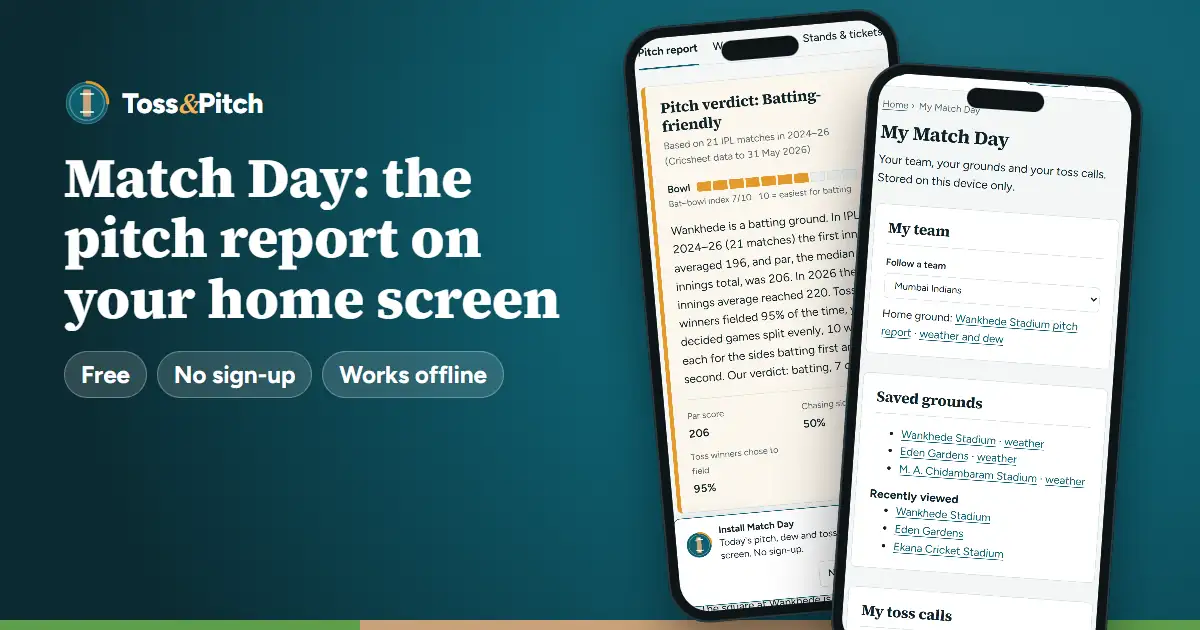
The whole site, one tap from your home screen: pitch verdicts, live dew forecasts, your team and saved grounds. No Play Store download, no account, no tracking.
What you can do in Match Day
Every picture below is a real screenshot of this site on a phone (390 px wide).
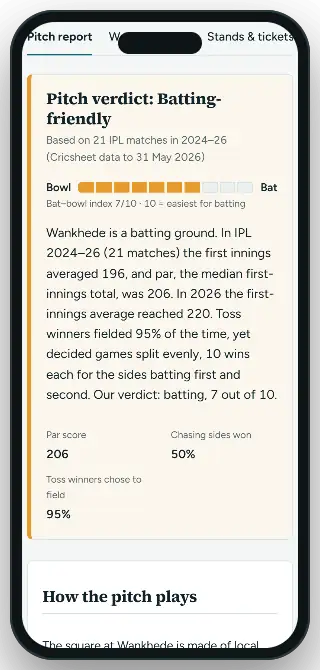
The pitch verdict at a glance
Batting or bowling call, par score, chasing record and toss trend for each ground, from IPL 2024–26 ball-by-ball data.
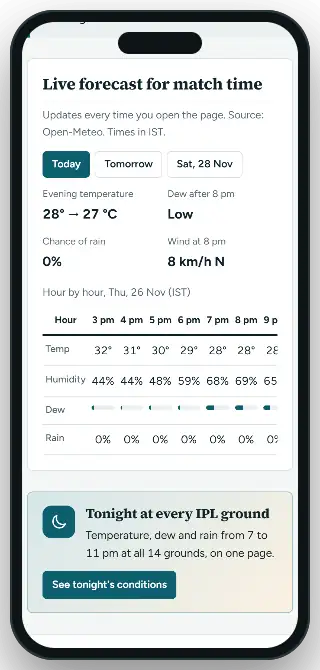
Live match-time weather
Hour-by-hour temperature, dew risk and rain chance from 7 to 11 pm at the ground.
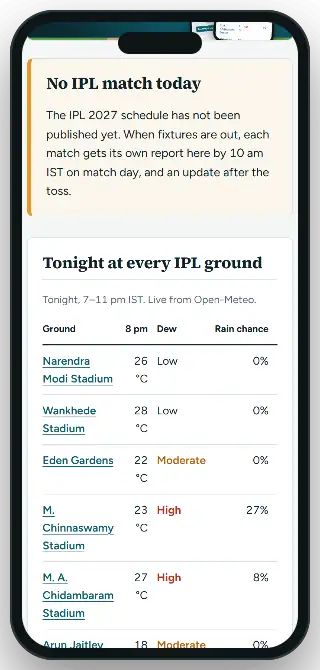
Tonight at every ground
This evening's conditions at all 14 IPL grounds on one screen.
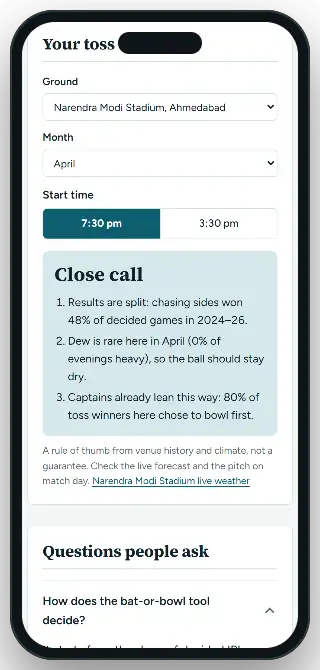
Bat or bowl?
Pick the ground, start time and month; the tool weighs dew against the chasing record and explains its call.
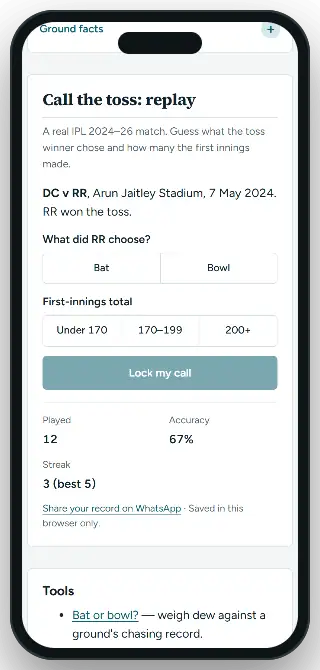
Call the toss
Guess the toss decision and first-innings score of real IPL matches. Your streak stays on your phone.
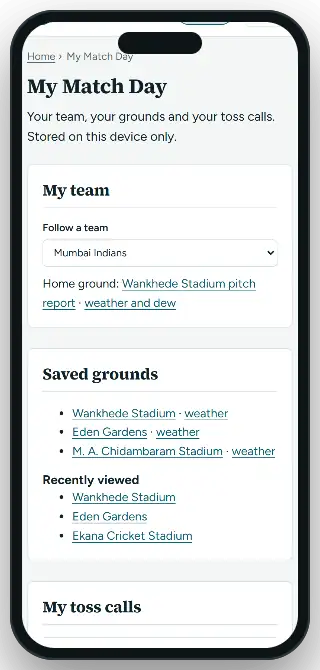
My Match Day
Follow your team, keep your grounds, see your toss record, download or delete your data — no account.
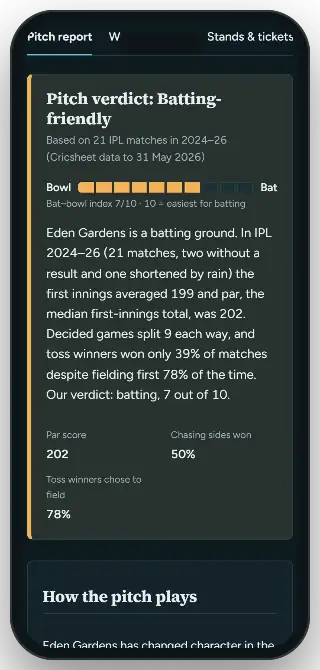
Evening mode
A darker theme for checking the forecast during a night game.
Install on Android (Chrome)
Open the site
Open tossandpitch.in or any ground report in Chrome.
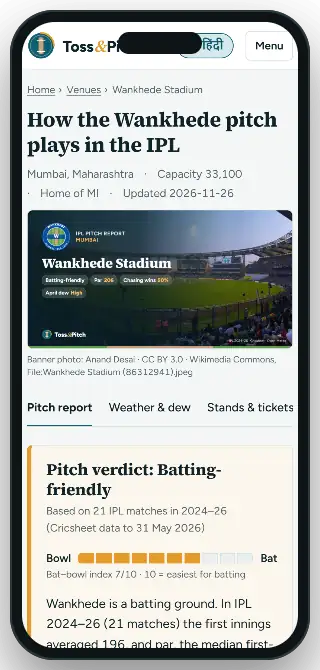
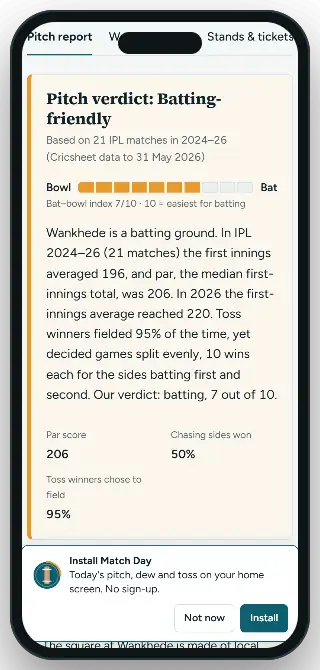
Tap “Install”
The Match Day bar appears at the bottom. Tap “Install”, or open the ⋮ menu and choose “Install app” (on some phones “Add to Home screen”).
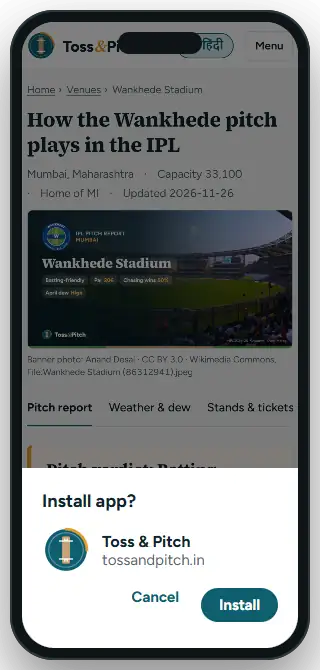
Confirm
Tap “Install” again in the window that opens.
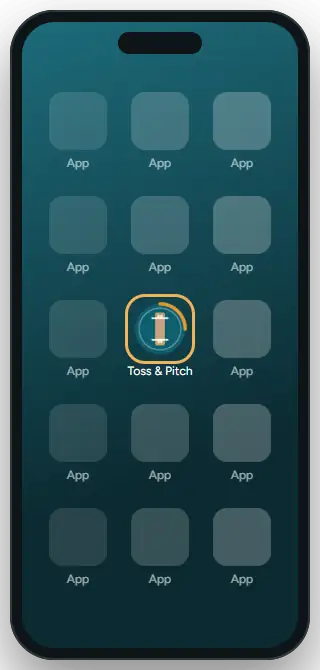
Open it from your home screen
The Toss & Pitch icon appears on your home screen and in your app list. It opens full screen, like an app.
Install on iPhone (Safari)
Open the site in Safari
On iPhone, open tossandpitch.in in Safari.
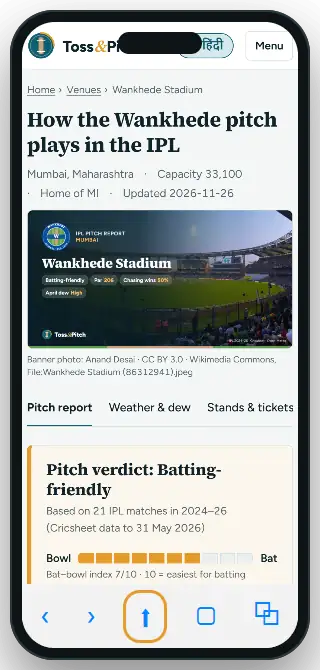
Tap Share
Tap the Share button (the square with an arrow pointing up) in the bottom bar.
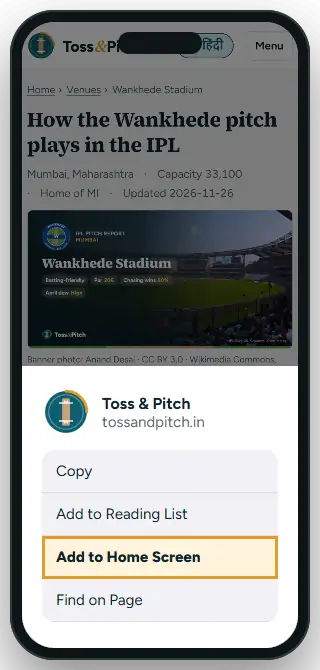
Choose “Add to Home Screen”
Scroll the list, tap “Add to Home Screen”, then “Add”.
Open it from the icon
Toss & Pitch now opens from your home screen. Web-app notifications on iPhone need iOS 16.4 or later.
The system windows in the pictures marked “illustration” are simplified drawings; on your phone they may look slightly different.
On a computer
In Chrome or Edge, click the install icon at the right end of the address bar. The site opens in its own window.
Questions people ask
Is Match Day a separate app from the Play Store?
No. It is this website installed to your home screen (a progressive web app). It opens full screen like an app, takes almost no storage and updates itself.
Do I need to sign up?
No. There are no accounts. Saved grounds, your team and your toss-game record stay in your browser on your phone. You can download or delete them on the My Match Day page.
Does it work offline?
Pages you have opened are kept on your phone, so a ground report still opens without a signal. Live weather needs a connection.
Will it send notifications?
Match-morning alerts for your team are planned before IPL 2027 starts. You will be asked first, and you can switch them off any time in your phone settings.
How do I remove it?
Remove it like any app: long-press the icon and choose Uninstall or Remove. On iPhone, long-press and choose Delete Bookmark or Remove App.